Before AI: AutoHotkey Scripts in the Clinic
Before AI: AutoHotkey Scripts in the Clinic
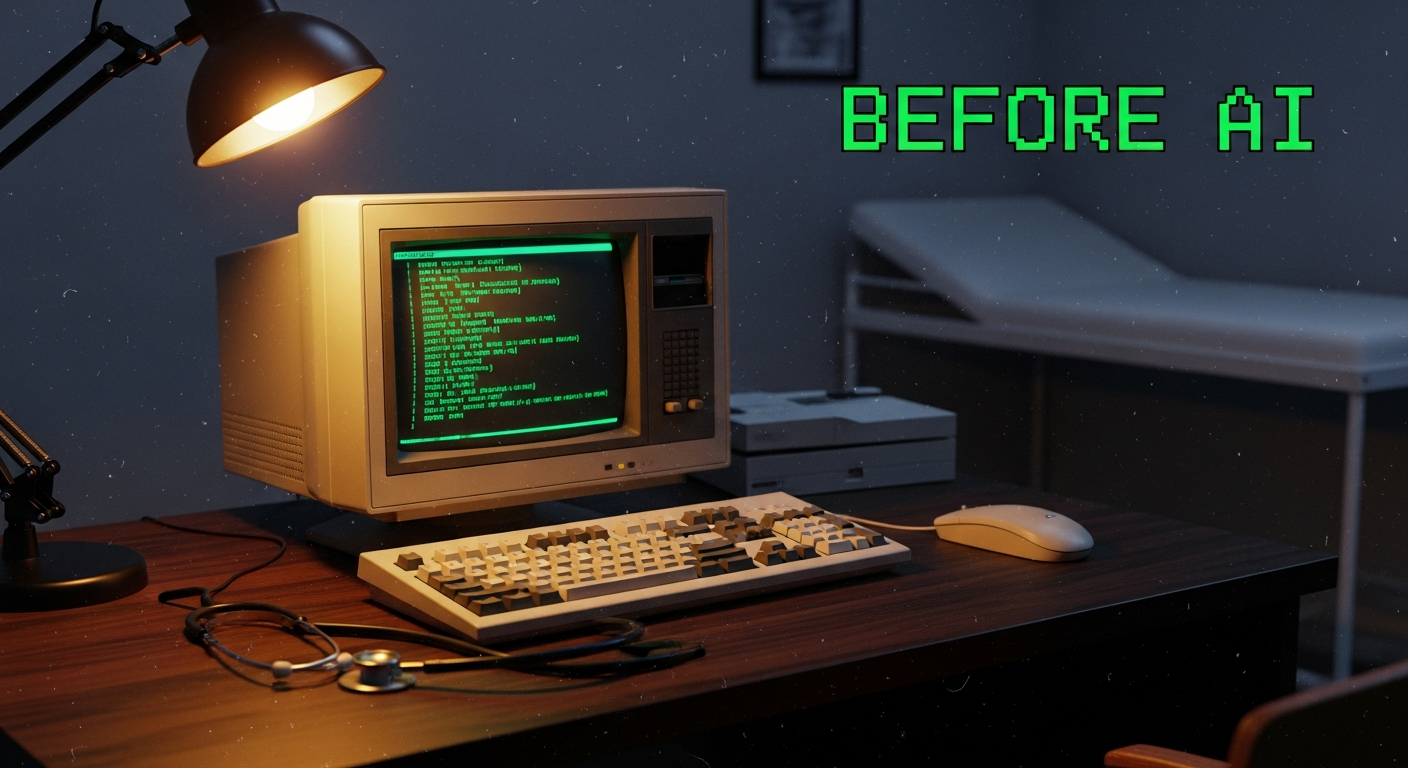
Long before Claude Code, before MCP, before agents — there was AutoHotkey.
The Problem: Death by Clicking
Around 2012, I was working in a clinical environment where staff had to process patients through a management application that required the same sequence of clicks, menu navigations, and form entries dozens of times a day.
Every patient encounter followed the same pattern:
- Open patient record (3 clicks)
- Navigate to the correct module (2 clicks + dropdown)
- Enter status update (type + 2 clicks)
- Save and return (2 clicks)
- Repeat for the next patient
It does not sound like much. But multiply that by 50+ patients a day, factor in the cognitive overhead of staying in sync across a busy clinic floor, and it added up to a meaningful chunk of time — and a surprising source of errors.
The Solution: A Single Keypress
I discovered AutoHotkey — a free Windows scripting language that lets you automate keyboard and mouse input. Within a weekend, I had a script that:
; Map F2 to the full patient status update workflow
F2::
  ; Navigate to patient module
  Send, \!{F4}   ; open menu
  Sleep, 200
  Send, {Down 3}{Enter}
  Sleep, 300
  ; Enter standard status
  Send, Completed{Tab}
  Sleep, 100
  Send, ^s       ; save
  Return
What used to be 9 clicks and a keyboard entry became a single F2 press. The workflow that took 45 seconds now took 5.
Why This Mattered
The efficiency gain was real, but the more important insight was conceptual: you do not have to accept software workflows as they are.
Most people treat application UIs as fixed interfaces — you click what the software tells you to click. AutoHotkey was my first encounter with the idea that you could build a layer on top of existing software to reshape how it worked. Not by modifying the application itself, but by scripting your interaction with it.
That mental model never left me.
The Through-Line to Today
When I picked up Claude Code in 2025 and started building AI agents, something felt familiar. The pattern was the same:
- Identify a repetitive, high-friction workflow
- Build a layer that handles the repetition automatically
- Reduce human effort to a single intent ("get me caught up")
The tools changed dramatically — from AutoHotkey macros to multi-agent orchestration, from clinic software to Jira/Confluence/Slack. But the core motivation was identical: if a process involves the same steps every time, it should not require a human to execute those steps every time.
The Difference Scale Makes
AutoHotkey saved minutes per task. AI agents save hours per day. The order-of-magnitude difference is not just because AI is smarter — it is because the scope of what can be automated expanded dramatically.
AutoHotkey could automate clicks and keystrokes. Claude Code agents can:
- Read and synthesize information across 6 systems simultaneously
- Make judgment calls about what is urgent vs. informational
- Generate structured reports from unstructured data
- Adapt their output based on what they find
But it starts with the same question: What is taking longer than it should?
That question, first asked while watching clinic staff click through the same screens over and over, is still the question I ask every time I build a new agent.