Building a Pantry App That Actually Thinks
Building a Pantry App That Actually Thinks
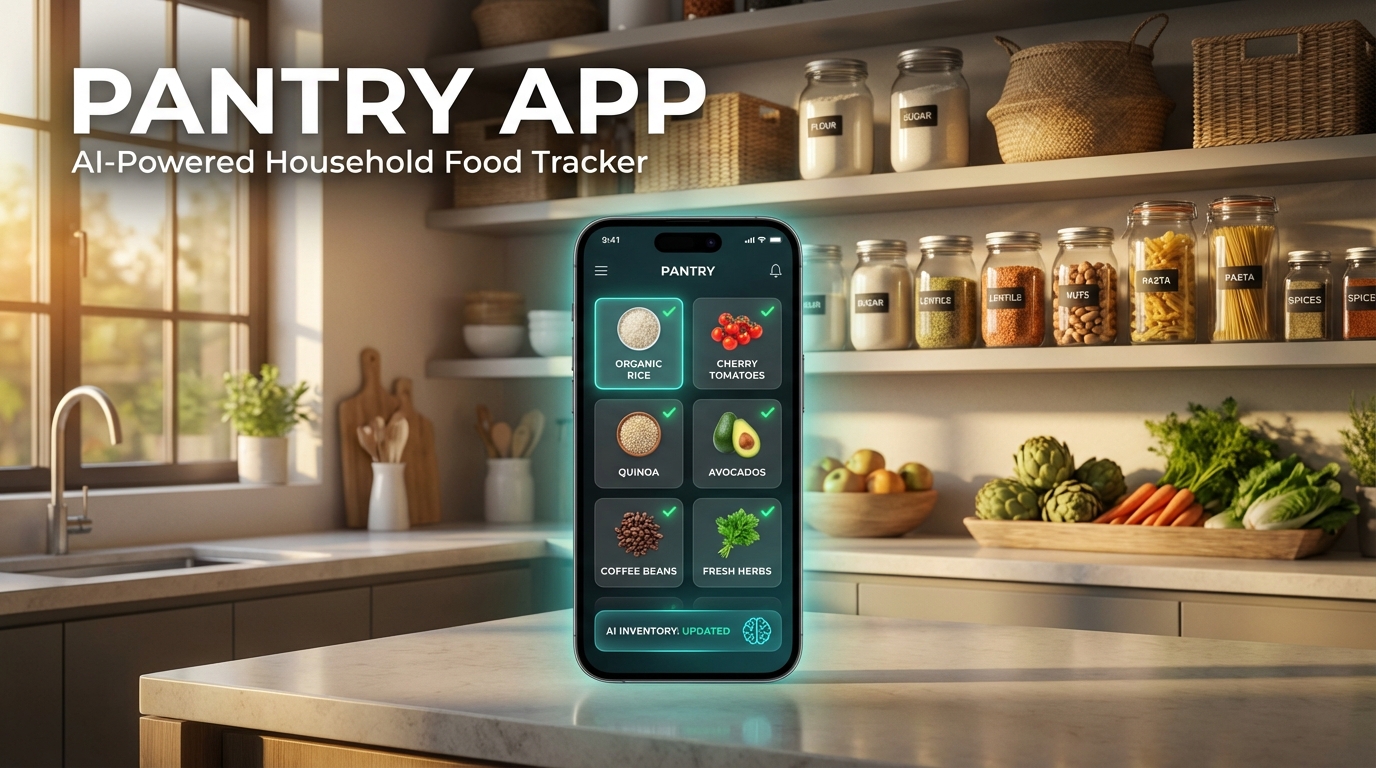
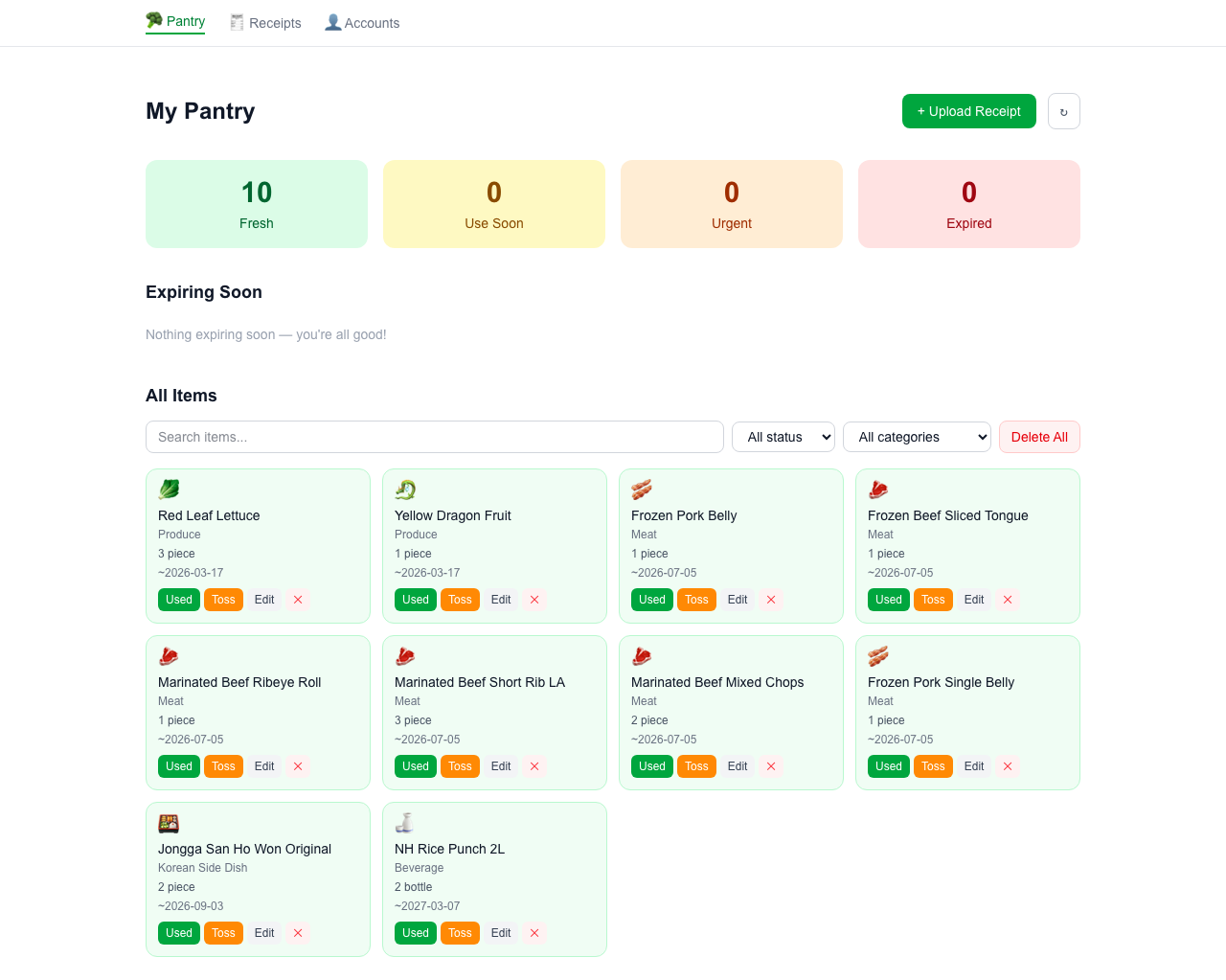
Most receipt scanning apps stop at OCR. You get the raw text — abbreviations, product codes, weights in grams — and then nothing. I wanted something that actually understood the receipt.
The Problem With Raw OCR
Here's what Google Cloud Vision gives you for a typical HMart receipt:
DRGN FRT 2PK        7.99
STRWBRY ORGC 1LB    4.49
PRK BLY FRZ         12.99
LYLTY PTS           0.00
CALIF TAX           1.23
The loyalty points and tax lines are noise. "PRKBLY FRZ" is frozen pork belly. "DRGN FRT" is dragon fruit. A dumb regex parser has no idea what any of this means — and it definitely can't assign shelf life.
The Architecture
The Single-Call AI Parser
Instead of calling Claude once per item (expensive, slow), the entire OCR text goes in one request. The prompt includes store context:
- HMart → Korean supermarket. Expect Korean produce, kimchi ingredients, rice cakes.
- Ranch 99 → Chinese supermarket. Expect Chinese vegetables, tofu, seafood.
- Costco → Bulk warehouse. Adjust quantities accordingly.
Claude returns structured JSON with item name, category, quantity, unit, shelf life, storage type, purchase date (extracted from the receipt header), and a review flag if it wasn't confident.
Per-Variety Shelf Life
Not all fruit is the same. The AI knows:
| Item | Shelf Life |
|---|---|
| Dragon fruit | 5–7 days |
| Strawberries | 3–5 days |
| Blueberries | 7–10 days |
| Mangoes | 5–7 days (ripe) |
| Frozen pork | 4–6 months |
This specificity comes from including variety-level guidance in the system prompt — not a lookup table.
Review Flags
When Claude isn't confident about an item (ambiguous abbreviation, product code with no obvious match, duplicate that might be the same thing), it sets a notes field explaining the uncertainty. The pantry grid shows an ⚠️ badge on those items and an amber ring so you know which ones to eyeball.
The Receipt Consolidator
The /expenses tab is a companion tool. Same upload flow, different AI task: extract date, vendor, amount, currency, and expense category. You get a preview to edit before saving, then a table view with a "Copy TSV" button — paste directly into Google Sheets.
Multi-User Auth
Multiple household members needed access. NextAuth v5 with a credentials provider backed by a Turso User table. Passwords hashed with bcryptjs. One gotcha: importing Prisma + bcryptjs into the Next.js middleware would push the edge bundle over Vercel's 1 MB limit. Fix: a lightweight auth.config.ts (no heavy imports) for middleware JWT checking, and the full auth.ts (prisma + bcryptjs) only for API routes.
What I'd Do Differently
Keep QStash simple. I initially added custom token verification to the worker — QStash doesn't reliably forward custom headers, causing 401 retry loops that filled the DLQ. The fix was removing the check entirely and letting QStash's built-in signature verification handle auth.
Resize images on the client. QStash has a 1 MB message size limit. Full-resolution phone camera photos blow past it. Client-side resize (max 1200px, JPEG 70%) before encoding to base64 is the right place to do it.
Use REST for GCP, not the SDK. Turbopack doesn't support native packages. The Google Cloud Vision npm SDK pulls in gRPC which fails at build time. The Vision REST API with a JWT-authenticated fetch call works perfectly and adds zero build complexity.