Running Home Assistant in Docker on a Mac mini
Running Home Assistant in Docker on a Mac mini
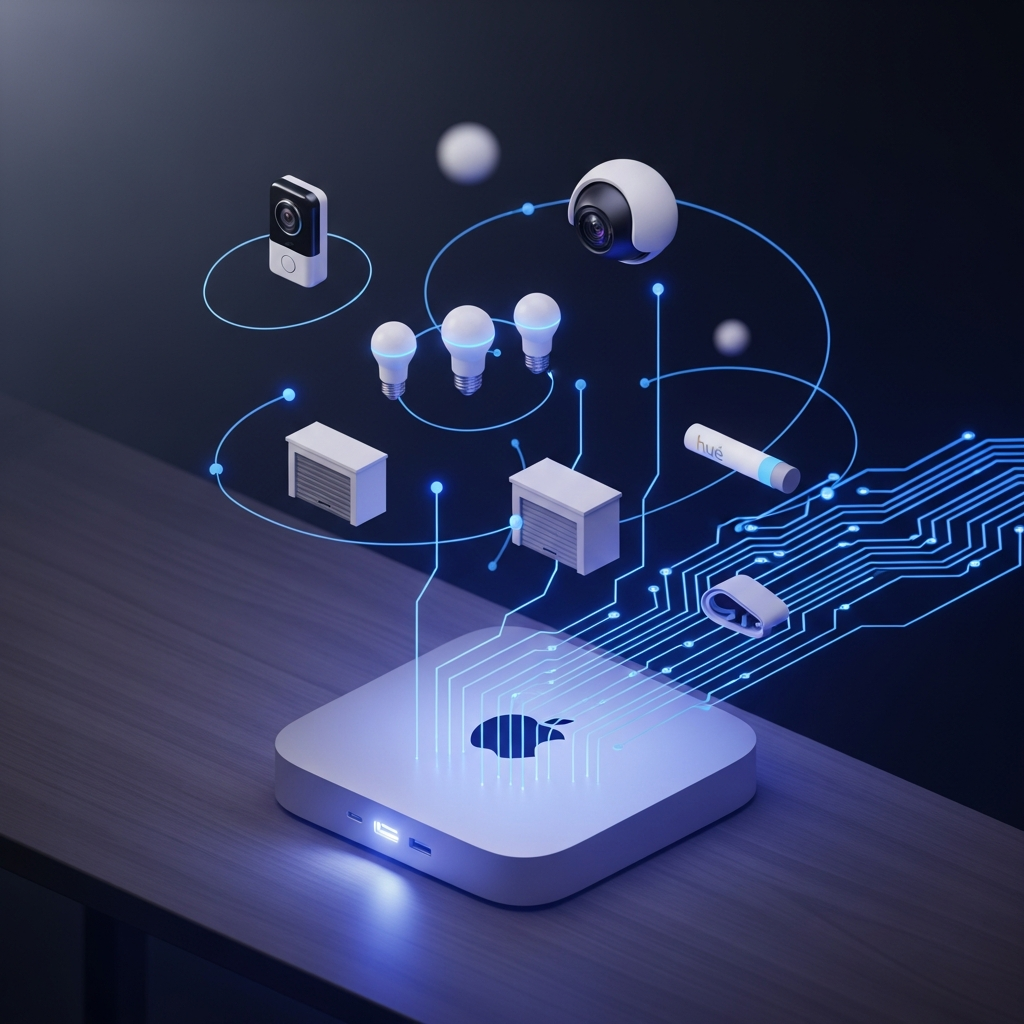
Every Home Assistant guide opens the same way: "Buy a Raspberry Pi 4." Mine doesn't. There's already a Mac mini under my desk doing nothing for 22 hours a day. Why add hardware when the silicon is already paid for?
This is the post I wish I'd had when I started — what running HA in Docker on macOS actually looks like in 2026, what works, what doesn't, and the multi-agent access pattern I ended up with so two AI assistants could both control my house.
Why Docker on a Mac (and not HA OS)
The supported install is Home Assistant OS on dedicated hardware — Pi, NUC, mini PC. It's the "proper" way. I didn't do that.
| Tradeoff | HA OS on Pi | Docker on Mac mini |
|---|---|---|
| Hardware cost | +$80 Pi + SD + PSU | $0 (already had it) |
| 24/7 uptime | Yes, dedicated | No — Mac sleeps |
| USB add-ons (Z-wave, Zigbee) | Plug and play | Painful — Docker on macOS doesn't expose USB cleanly |
| Other containers on same box | Need more hardware | n8n, home-companion all share |
| OS updates I have to think about | Yes | Just macOS |
For a Wi-Fi-only smart home (Hue Bridge, Ring, Blink — all cloud APIs), Docker on macOS is genuinely fine. The day I add a Z-wave dongle, I'll move to a Pi. That day hasn't come.
The setup (what's actually running)
# ~/docker/homeassistant/docker-compose.yml
services:
  homeassistant:
    image: ghcr.io/home-assistant/home-assistant:stable
    container_name: homeassistant
    restart: unless-stopped
    ports:
      - "8123:8123"
    volumes:
      - ./config:/config
    environment:
      - TZ=America/Los_Angeles
Three things that bit me:
network_mode: hostdoesn't work on Docker Desktop for Mac. Silently does nothing. You publish ports manually. I lost an evening to "why isn't device discovery working."- Set the timezone explicitly. Containers default to UTC; HA automations on UTC schedule are an excellent way to be very confused at 5 AM.
- Mount
./configfrom the host, not a named volume. You'll want to editconfiguration.yamlfrom your editor, and SQLite history files are easier to inspect when they live on the filesystem.
Five weeks uptime on the current container, ~700 MB RAM, 0% CPU at idle. Boring. Good.
What's actually connected
Twelve config entries, four integrations doing real work:
| Integration | Devices | Health |
|---|---|---|
| Ring | Doorbell + 1 camera | API timeouts (Ring's fault) |
| Blink | 2 cameras | Solid |
| Hue Bridge | 8 bulbs | Solid |
| Aladdin Connect | Garage door | Token expiring — integration deprecated |
| go2rtc, backup, sun, etc. | system | n/a |
Ring and Aladdin are the troubled ones. Aladdin Connect was bought by Genie and the OAuth flow is wheezing — Home Assistant has marked the integration for removal. Ring's API just times out occasionally; nothing to do but retry.
Two AI agents, one house
Here's the part general devs might find interesting. I have two AI assistants that both need to read HA state and control devices: Tiger, a personal assistant running 24/7 on a Hetzner VPS in Helsinki, and Claude Code, which I use from my Mac terminal. They share one access pattern.
port 8123
A long-lived HA token lives in a shared env file:
HA_TOKEN=eyJhbGc... # generated in HA's profile → Long-Lived Access Tokens
- Claude Code (local) — calls
http://localhost:8123/api/...with the bearer token. Direct, sub-millisecond. - Tiger (Hetzner, ~8000 km away) — connects via Tailscale to the Mac's tailnet IP, then hits
http://100.x.y.z:8123/.... Same token, different transport.
The Tailscale piece is what makes this not embarrassing. No HA exposed to the public internet, no port forwarding, no Cloudflare tunnel. Tailscale ACLs are the firewall. The VPS is just another node on the tailnet.
When things break, the agents debug it
Last week I noticed a couple of camera entities throwing errors and asked Claude Code "what cameras need reauth?" Five minutes later the actual answer was: nothing needs reauth. The diagnostic took two REST calls plus a log scan:
# 1. Are any config entries unloaded?
curl -s -H "Authorization: Bearer $HA_TOKEN" \
  http://localhost:8123/api/config/config_entries/entry \
  | jq '.[] | select(.state != "loaded")'

# 2. Anything queued for reauth?
docker exec homeassistant python3 -c \
  "import json; print([e for e in json.load(open('/config/.storage/core.config_entries'))['data']['entries'] if e.get('disabled_by')])"

# 3. Auth failures in the last 7 days?
docker logs --since 168h homeassistant 2>&1 \
  | grep -iE 'reauth|invalid auth|401|token.*expired'
Conclusion: Aladdin Connect's OAuth token was expiring on its own (deprecated integration, known issue). Ring was hitting upstream API timeouts (Ring's problem, not the install). The cameras were fine. Don't reauth — replace the integration.
That flow would have taken me 20 minutes of clicking through the HA UI. With the agent it took two prompts and a log paste. Home Assistant produces a lot of operational noise; an agent that can read logs and parse config entries via the REST API is the difference between "smart home" and "yet another thing I have to maintain."
What I'd do differently
| Keeping | Changing |
|---|---|
| Long-lived API token | Move HA to a Raspberry Pi 5 — Mac sleep breaks polling, no pmset flag fully fixes it |
| Tailscale for remote agents | Back up ./config to S3, not just to disk |
| Docker for everything not requiring USB | Drop Aladdin Connect; switch to a Konnected board on the door sensor |
Most "homelab" advice says you need a separate box per service. You don't. You need network isolation and a backup story. The rest is fashion.