Pinching a Tarot Card With My Hand: A Web Gesture Engine in 380 Lines
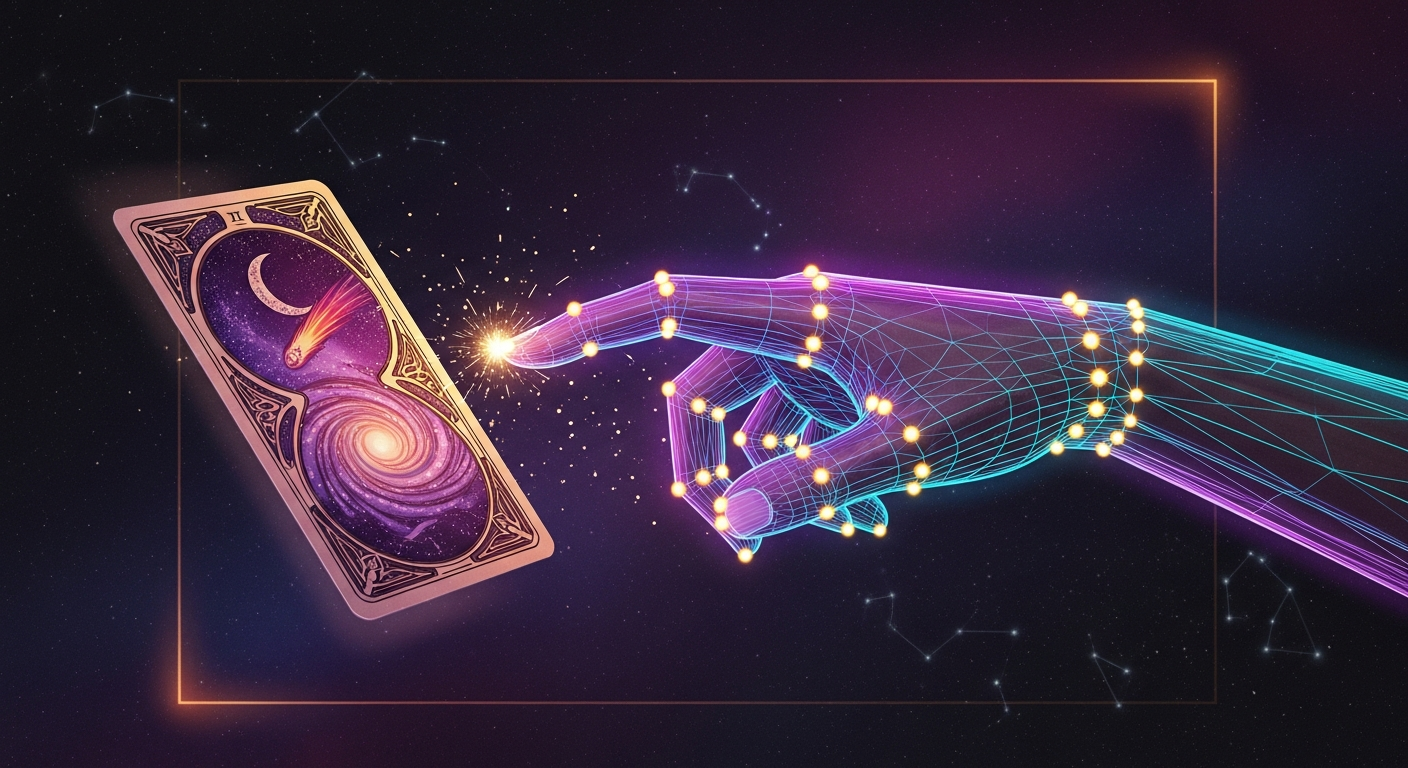
I wanted to draw a tarot card by reaching into the air and pinching it. Not click. Not tap. Pinch — the way you'd grab a card off a real table.
It turned out to be a weekend project. Most of it wasn't the vision model — that was the easy part. The hard part was making the existing site react to a webcam-driven cursor as if it were a real mouse, without rewriting a single component.
This is what I learned, and the universal gesture vocab I extracted so the next project can skip straight to the fun part.
The site I wanted to mod
Fortune Teller (fortune.carlfung.dev) is a Next.js 15 + framer-motion app I built to try eight divination traditions — tarot, omikuji, runes, koi reading, four pillars, and so on. Every interaction was a click: pick a tradition, pick a card, flip it, get a fortune.
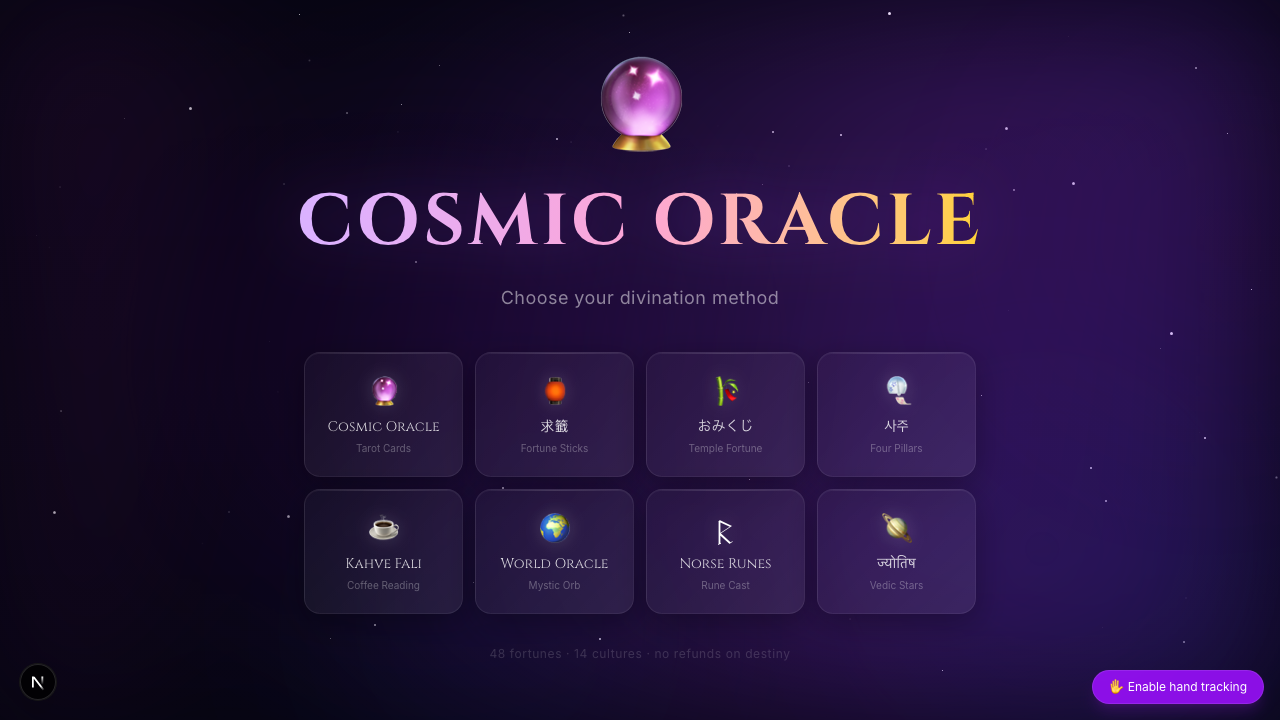
Click. Click. Click. Fine, but it deserved more.
Why MediaPipe (and not the others)
The gesture stack landed in about ten minutes of research:
| Library | Status | Verdict |
|---|---|---|
| @mediapipe/tasks-vision | Active (Google), Apr 2026 release | Pick this |
| TF.js handpose | Last release 2023-07 | Stale |
| Handsfree.js | Archived 2024 | Skip |
| Fingerpose | Last update 2021 | Skip |
@mediapipe/tasks-vision ships a 2.5 MB WASM runtime and a 7.5 MB float16 model from a CDN. It hits 30–60 FPS on a MacBook Air M2 and 20–30 FPS on an iPhone 13+, single-threaded WASM, no SharedArrayBuffer required. The library returns 21 normalized landmarks per hand. That's it. That's the whole input.
Pinch from pure geometry, no classifier
I almost reached for a gesture-classifier model. I shouldn't have — every gesture I needed comes out of arithmetic on the 21 landmarks.
Pinch is the simplest. Index tip is landmark 8, thumb tip is landmark 4. Pinch on when their Euclidean distance is under 0.05 in normalized coordinates. Pinch off at 0.07 (hysteresis stops jitter from flickering the state).
const d = Math.hypot(thumb.x - index.x, thumb.y - index.y);
let pinching = pinchingPrev;
if (!pinching && d < 0.05) pinching = true;
else if (pinching && d > 0.07) pinching = false;
Two thresholds. Twenty lines wrapped around them. A pinch detector.
The rest of the macro gestures — wipe-left to go back, point-and-flick-up to draw a fortune stick, one-hand circle to shuffle, two-hand clap to share — are all the same shape: track a rolling buffer of (timestamp, x, y) samples, look for a velocity spike or angular sweep that fits the pattern, fire a CustomEvent on window. About 200 lines for five gestures.
The trick that mattered: synthetic pointer events
This is the part I want to share most.
If you're building gesture input, the obvious move is to write your own pinch handler on every interactive element. Find every card, every button, every toggle, and wire it up to a custom hook. That's a rewrite. That's not a weekend.
I didn't want that. The site already used framer-motion's whileHover for card lifts and tradition tile glows. I wanted those animations to fire when my hand cursor moved over them — same as a mouse.
The trick: each frame, fire synthetic pointer events on the DOM element under the cursor.
const target = document
  .elementFromPoint(cursorX, cursorY)
  ?.closest("[data-gesture-target]");

if (target !== prev) {
  prev?.dispatchEvent(new PointerEvent("pointerleave", init));
  prev?.dispatchEvent(new MouseEvent("mouseleave", init));
  target?.dispatchEvent(new PointerEvent("pointerenter", init));
  target?.dispatchEvent(new MouseEvent("mouseenter", init));
}
Framer-motion's whileHover listens for pointerenter/pointerleave. React listens for mouseenter/mouseleave. JavaScript click handlers listen for click. All of these fire from synthetic events as long as you set bubbles: true.
So pinch-to-click becomes:
- On pinch-down, remember the element under the cursor.
- On pinch-up, if the cursor is still over the same element, call
target.click()on the DOM node. - React's delegated listeners pick up the native
clickevent. The existingonClickhandler fires.
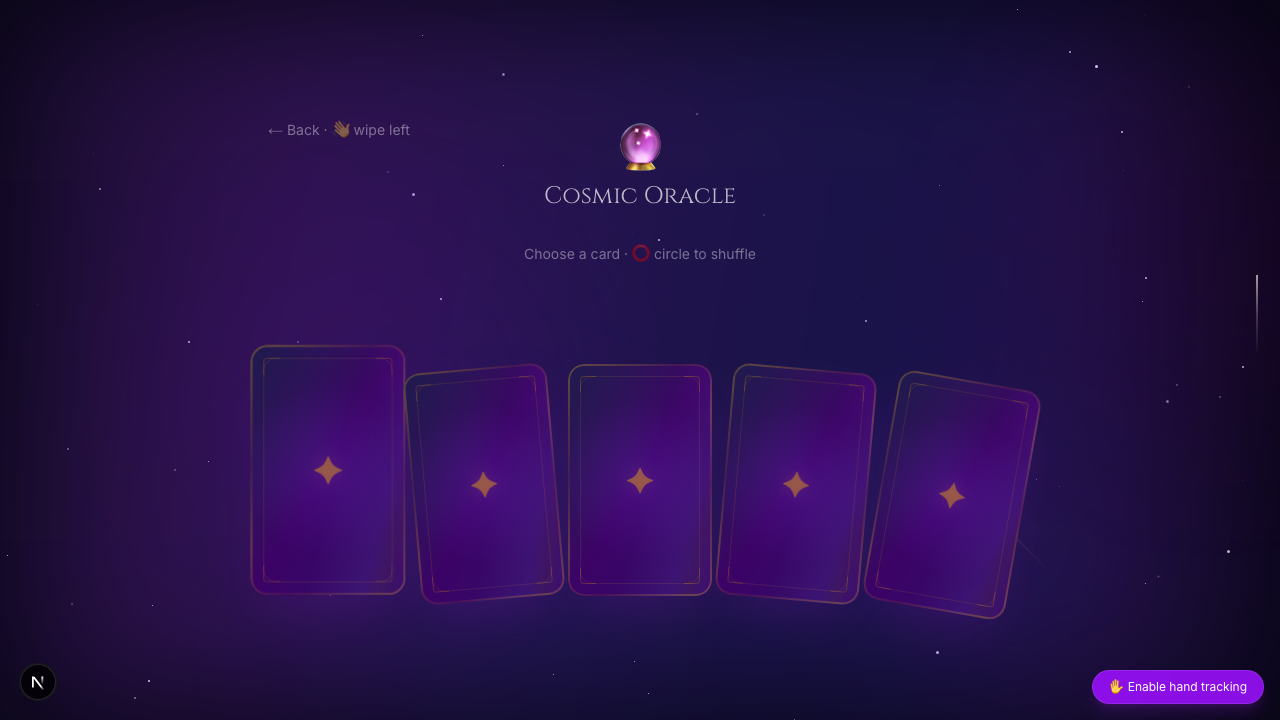
I changed nothing in the card components. I sprinkled data-gesture-target on the elements that should respond. The cards lifted, the borders glowed, the card I pinched flipped over and revealed a tarot illustration painted by ChatGPT Image 2.0.
A vocab, not a feature
By the time the third gesture went in, I noticed I was making the same micro-decision repeatedly. Pinch already meant "select" — should circle mean "shuffle" or "reset"? If I added this gesture engine to my big2 card game next, would pinch still mean "play card" or would I drift?
I pulled the gestures out into a universal vocab and saved it to my agent memory so every future session loads it as context. It's a cross-project design system: 18 single-hand atomic gestures, 6 two-hand gestures, semantic mappings, geometry formulas, default thresholds, per-project gesture sets.
| Action class | Gesture | Why |
|---|---|---|
| Select / click | Pinch | Universal across all projects |
| Back / dismiss | Wipe-left | Matches phone "swipe to go back" |
| Reveal / launch | Index swipe-up | "Pointed flick" reads as intentional |
| Cycle / shuffle | Circle | "Stirring" feels like sweeping an area |
| Confirm / share | Two-hand clap | Cross-cultural commit signal |
The next time I add gestures to AgnusBlast (my virtual music artist site, where I want a "Conductor Mode" — open palm to play, hands raised for volume, wipe to skip tracks), I won't argue with myself about what wipe-left means. It means back. It always means back.
A deck I didn't draw
The site has 27 painted tarot cards now, none of which I drew. They came out of three ChatGPT Image 2.0 prompts — nine cards per prompt, on a single 1024×1536 sheet — sliced apart by a tiny Node script. Same illustrator, same paper stock, same lighting language across all 27. That cohesion is the entire reason I went through the AI image route instead of commissioning art.
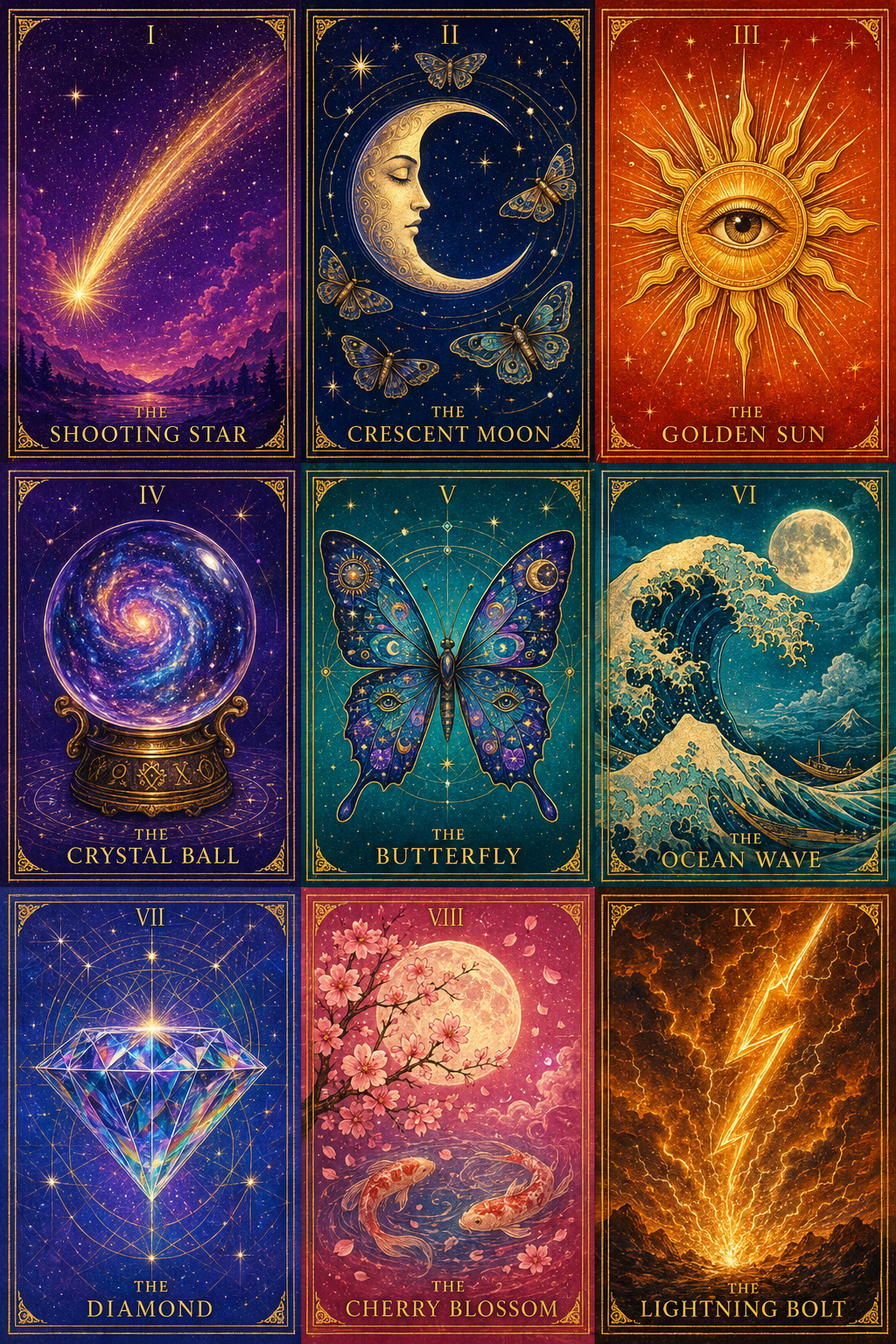
The grid layout is the part of the prompt that took the most iteration. Image 2.0 will happily draw nine card-shaped illustrations and call it a day, but they'll have rounded corners, dark gaps between them, drop shadows — anything that breaks "this is one cohesive printed sheet" rather than "nine different photographs of cards on a black surface." The fix was to over-specify:
LAYOUT IS NON-NEGOTIABLE:
• The cards tile EDGE-TO-EDGE, sharing borders. Each card is a clean
  rectangle with HARD 90° CORNERS — absolutely no rounded corners on any card.
• ZERO gaps, ZERO dark gutters, ZERO black space between cards.
• Each card occupies exactly one third of the width and one third of the
  height: 341 × 512 px per cell.
After a few drifts, that language landed it. Each prompt then describes the nine cards in grid order — Roman numeral, name, hero subject, palette — and locks the deck-wide style block (Art Nouveau frame, gold filigree corners, cosmic backgrounds, Cinzel serif title) so all 27 cards feel like siblings.
The slicer is 80 lines of sharp and a manifest:
node scripts/slice-cards.mjs --sheet=cosmic-1
# → 9 webp files at ~341×512 each, written to public/cards/cosmic/
The slicer auto-detects the seams between cells using a window-difference RGB scan (compare the average color of the 18 rows above versus below each candidate split — biggest delta is the seam). When the AI's grid drifts a few pixels off ideal thirds, the detector follows. When it drifts too far, a per-sheet manual cuts override in the manifest takes over.
I built a /cards inspector route so I could audit all 27 at a glance and spot bad cuts:
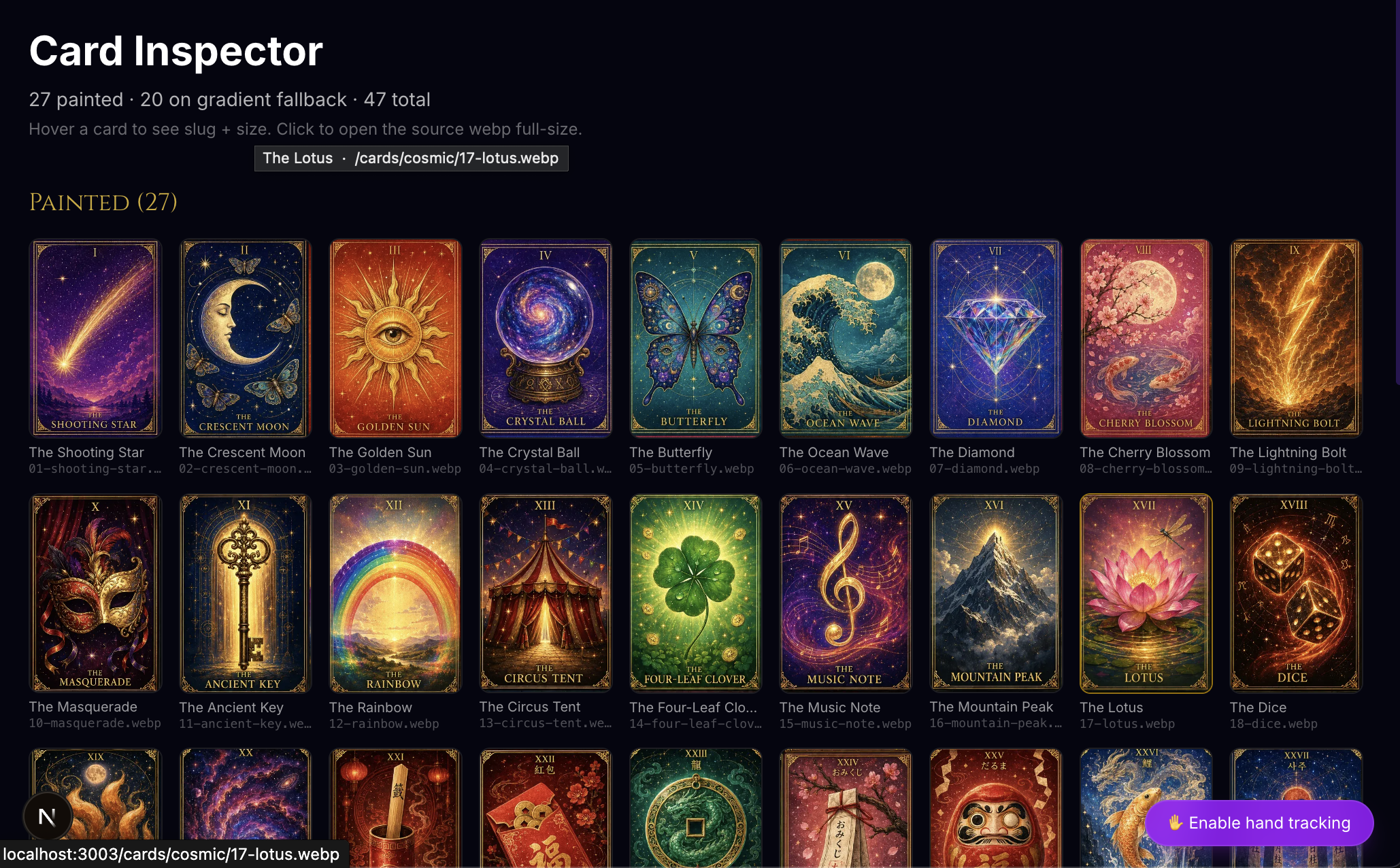
A Fortune type with an optional art field turned out to be the smallest possible wiring change: cards that have art render the painted illustration, cards that don't fall back to the existing gradient + emoji card. New tradition? Generate a sheet, slice it, drop nine art: paths into the data file. The component never changes.
What's hard
Three things bit me.
iOS Safari is the gauntlet. getUserMedia only works from a real user-tap (autoplay-on-mount fails silently). The video element needs playsInline or iOS fullscreens it. Front camera mirroring is a CSS scale, not a model setting. Thermal throttling kicks in around five minutes — add a pause toggle or your tracking will start drifting badly. None of these matter on a laptop. All of them matter on a phone.
CSS :hover doesn't work from synthetic events. The browser ties :hover to the OS pointer specifically — synthetic pointerenter won't trigger it. Tailwind classes like group-hover:opacity-100 go silent under gesture input. Use framer-motion whileHover or an explicit class toggle.
MediaPipe jitters at the edges. Without smoothing, a cursor reads as nervous twitching. I lerp 40% per frame toward the target position. Anything tighter than that is jittery, anything looser feels laggy. 40% is the sweet spot.
What's next
I'm extracting the gesture engine into a reusable component when the third project picks it up. Right now it lives in fortune-teller. AgnusBlast Conductor Mode will be project two. After that I'll lift it into @carlfung/gesture-cursor and the universal vocab becomes its README.
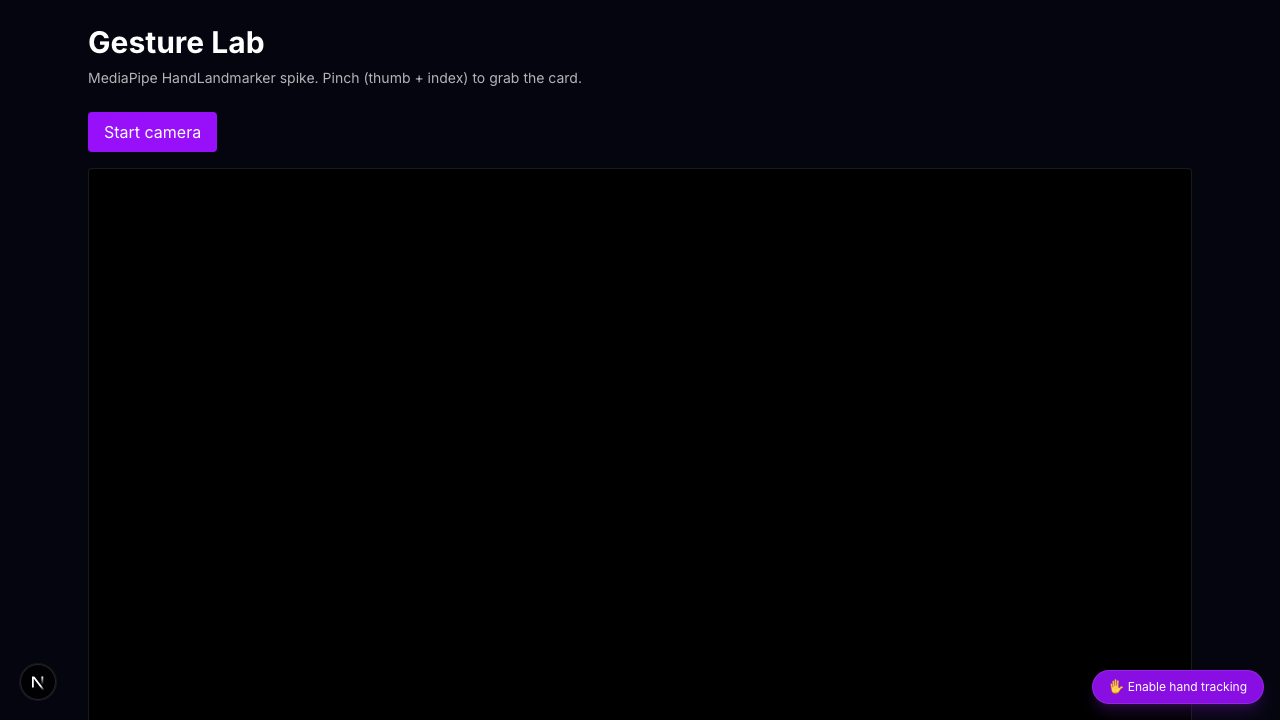
If you want to try the live thing, hit fortune.carlfung.dev, click the bottom-right "Enable hand tracking" pill, and pinch a card. There's a /gesture-lab route too if you just want to see the raw landmarks and pinch confidence.
The real lesson
The gesture engine is 380 lines. Most of those lines are camera setup and the canvas overlay that draws the hand skeleton. The actually-novel parts — pinch detection, hover proxy, click delivery, macro-gesture geometry — fit on one screen.
The thing I'd tell past me: don't write a new input system. Translate one input into another. The browser already knows how to handle pointer events, click events, hover events. Wear those interfaces like a glove and hand them gesture data. The site you already have will react like you taught it new tricks.
It didn't, really. It just got a different mouse.