From $24/Month to Free: Self-Hosting n8n with Docker in 30 Minutes
From $24/Month to Free: Self-Hosting n8n with Docker in 30 Minutes
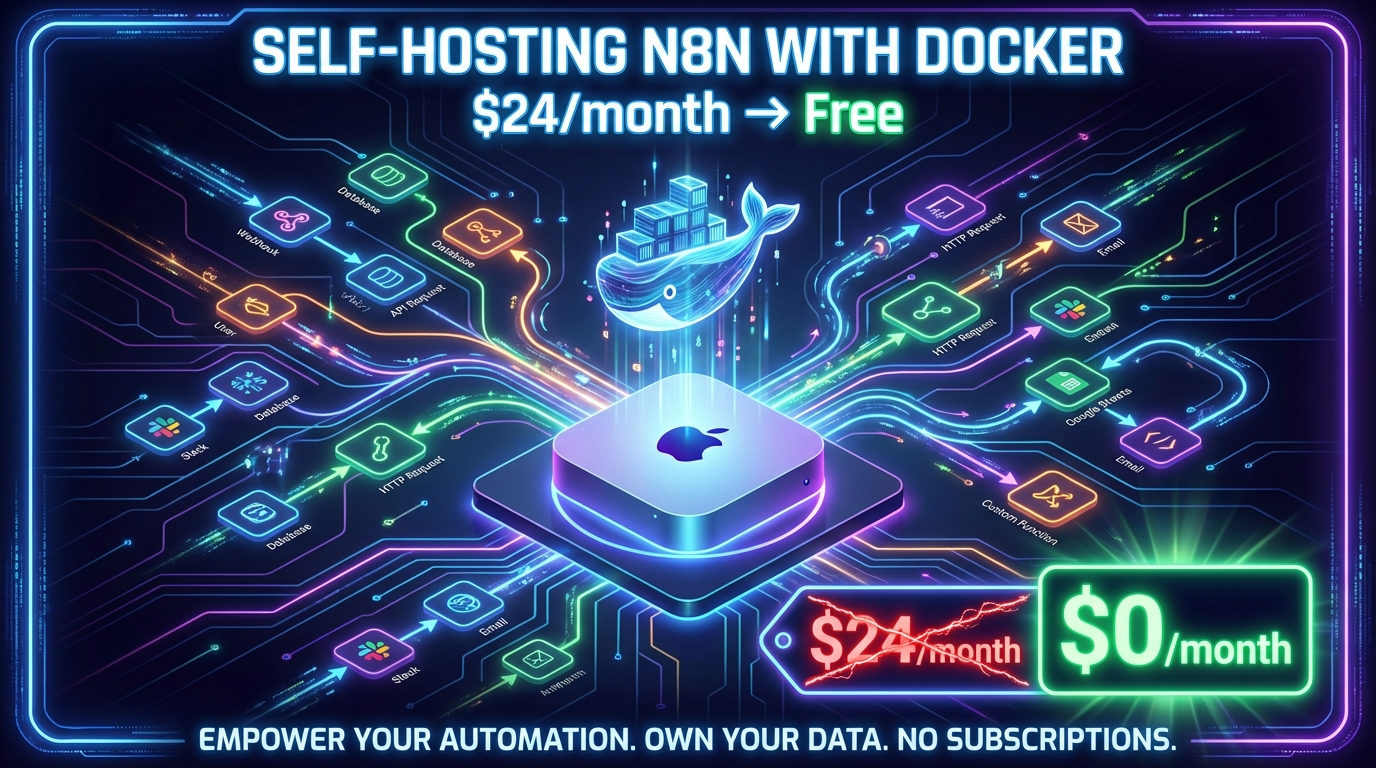
I'll be honest — I'd been paying $24/month for n8n Cloud for a while, vaguely aware that self-hosting was an option, but too lazy to actually look into it. It felt like one of those things that would take a whole afternoon of reading docs, configuring servers, and debugging.
Turns out it took 30 minutes. Most of which was waiting for Docker to download.
The Realisation
I was in a Claude Code session reviewing my n8n account — cleaning up 19 duplicate workflows, fixing a broken Daily Email automation — when the subscription question came up. $24/month. Was it worth it?
My active workflows weren't doing anything that required always-on cloud hosting. I mainly use n8n to build and experiment. The few scheduled jobs I had (like a 7am daily briefing email) weren't mission-critical.
So I asked: is there a way to host this locally for free?
Why Docker Makes This Trivial
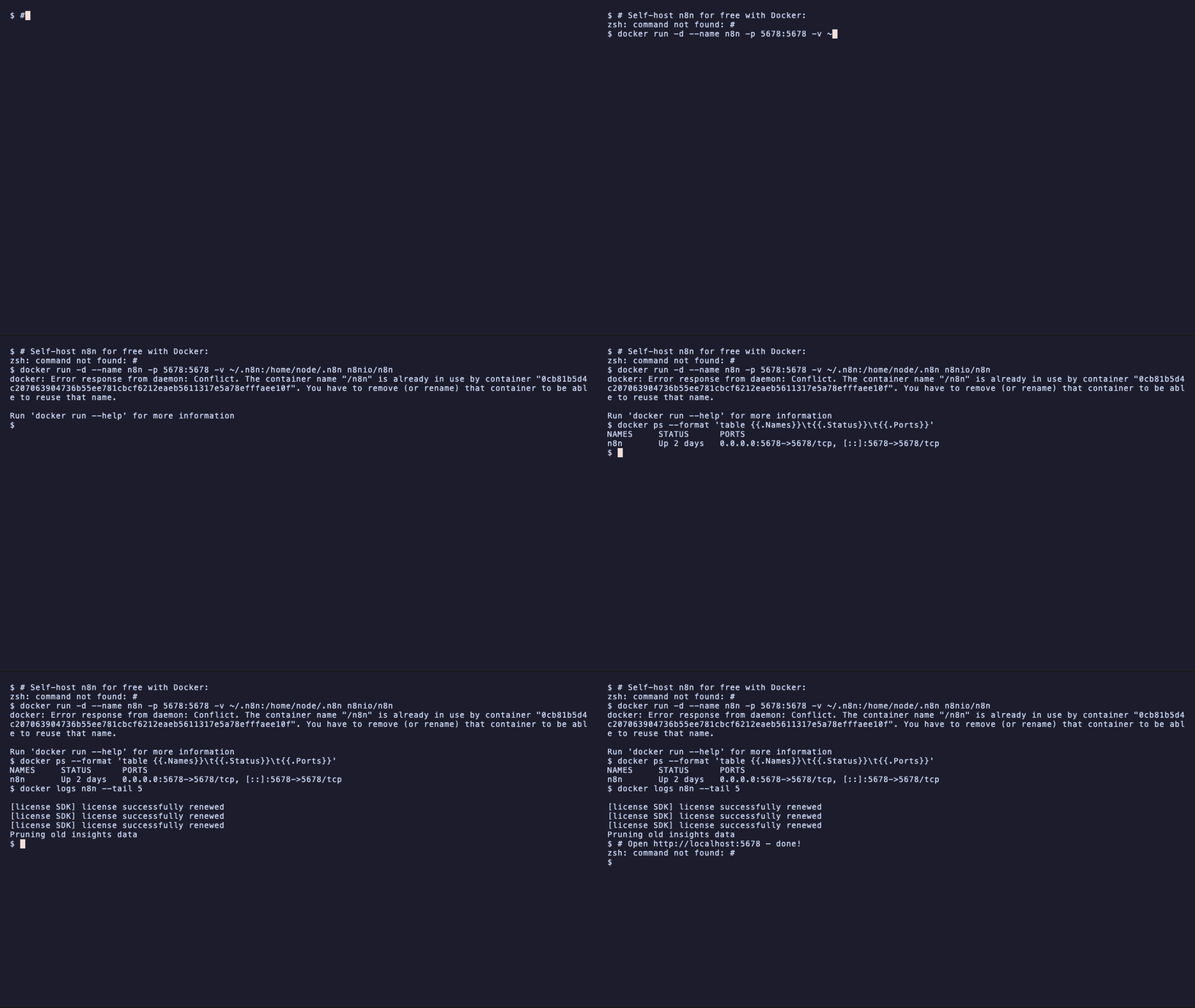
n8n is open source. The entire platform runs in a single Docker container. No database setup, no nginx config, no reverse proxy — just one command:
docker run -d \
  --name n8n \
  --restart unless-stopped \
  -p 5678:5678 \
  -v ~/.n8n:/home/node/.n8n \
  n8nio/n8n
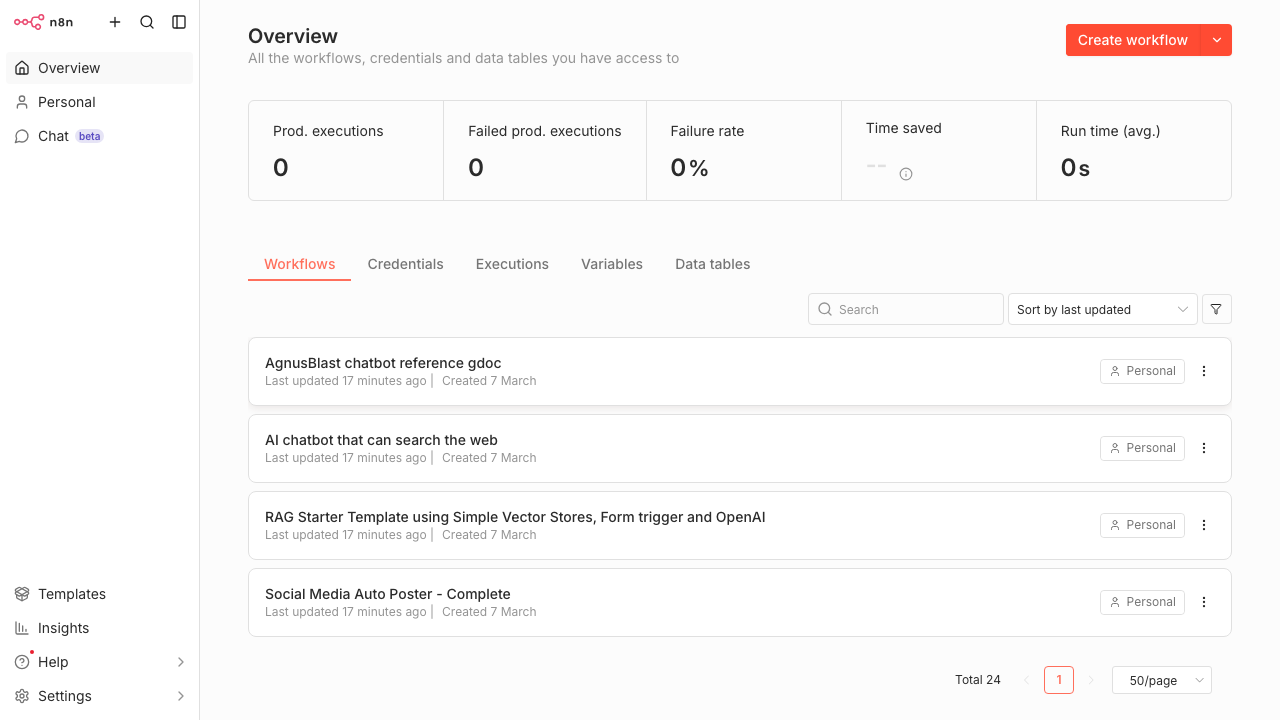
That's it. n8n starts up at http://localhost:5678 with:
- Unlimited workflows
- All the same nodes as cloud
- Data persisted to
~/.n8non your Mac - Auto-restart whenever Docker Desktop opens
The -v ~/.n8n:/home/node/.n8n part is the important bit — it mounts a folder on your Mac into the container, so your workflows and credentials survive container restarts.
The Migration
Before cancelling the cloud subscription, I needed to export everything. Claude Code handled this automatically via the n8n REST API:
# Export all 24 workflows to ~/n8n-export/
workflows = api("/workflows?limit=100")["data"]
for wf in workflows:
    full = api(f"/workflows/{wf['id']}")
    with open(f"~/n8n-export/{wf['id']}_{wf['name']}.json", "w") as f:
        json.dump(full, f)
Then imported them all into the local instance in one shot:
# Import all 24 workflows into local n8n
for fpath in glob("~/n8n-export/*.json"):
    wf = json.load(open(fpath))
    api("POST", "/workflows", {
        "name": wf["name"],
        "nodes": wf["nodes"],
        "connections": wf["connections"],
        "settings": wf["settings"] or {},
    })
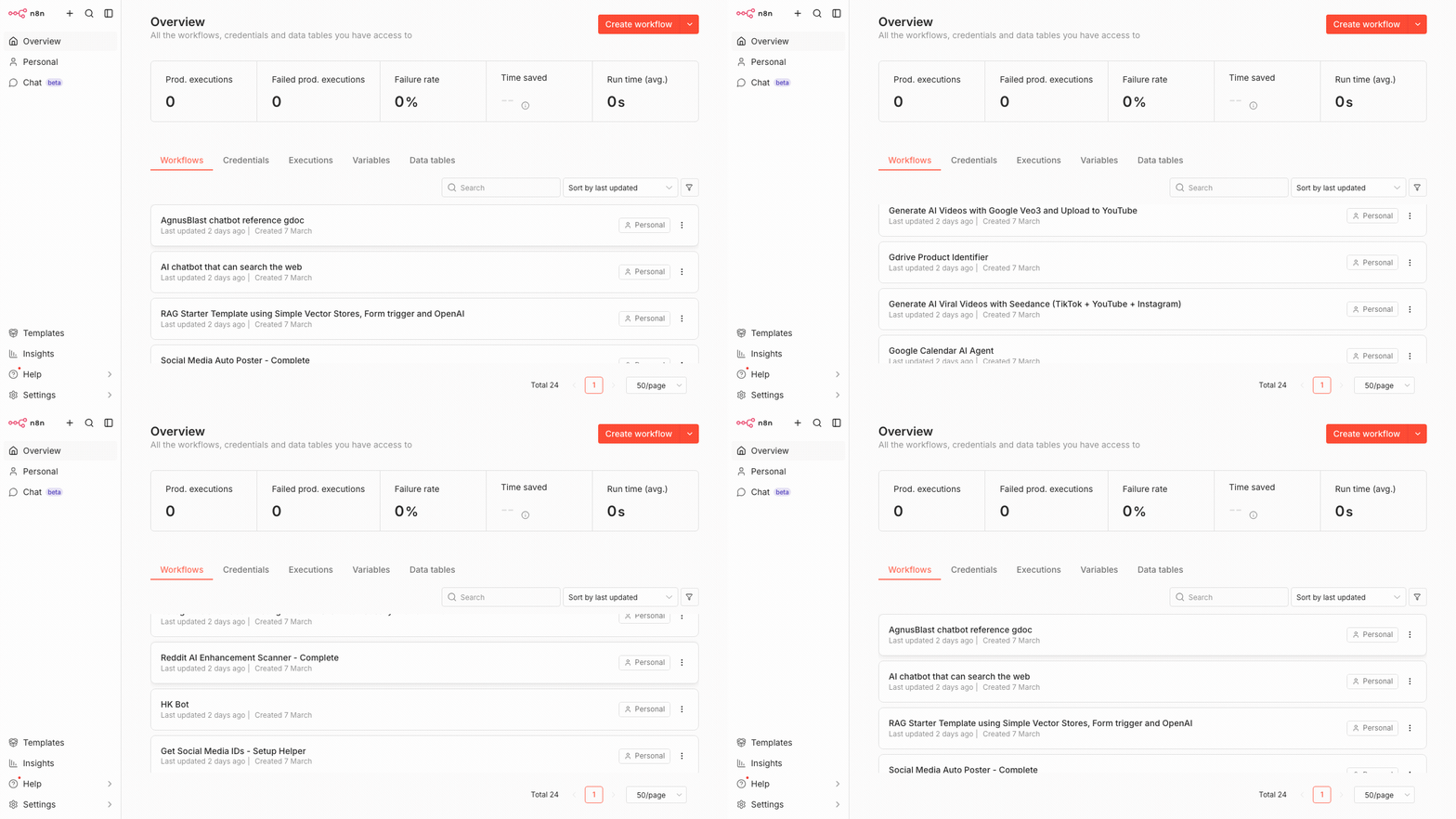
23 of 24 imported on the first pass. The last one had a minor schema difference that was fixed with a one-line patch. Total time: under 60 seconds.
What You Lose vs Cloud
Being honest about the trade-offs:
- No always-on scheduled runs — if your Mac is asleep, cron-triggered workflows won't fire. For me this was acceptable since I don't rely on them.
- No webhook receiver when Mac is off — if you need 24/7 webhook handling, you'd need a cheap VPS (~$4-5/month on Hetzner) instead.
- Credentials need reconnecting — OAuth tokens don't transfer. You'll need to re-authorise Gmail, Google Calendar, etc. in the local instance.
For experimenting and building — which is 90% of how I use n8n — local Docker is perfect.
The Free License Bonus
When you first launch local n8n, it offers a free activation key for paid features:
- Advanced debugging (re-run failed executions from any step)
- Execution search and tagging
- Workflow folders
Just enter your email and it emails you the key. Lifetime, no subscription.
Performance on M3 Pro
The n8n container uses about 300MB RAM. On my MacBook Pro M3 Pro with 18GB, that's less than 2% of total memory. I've noticed zero impact on daily use.
Docker Desktop itself adds another ~200MB. Still negligible.
What I Should Have Done Sooner
The thing that struck me was how simple this was once I actually tried it. I'd built up a mental model of self-hosting as "DevOps complexity" — but for a single-container app like n8n on a local machine, there's genuinely nothing to it.
If you're paying for n8n Cloud and primarily use it for building and experimenting rather than production-grade always-on automations, run the Docker command above. You'll be running locally in 5 minutes and saving $288/year.
The Workflow Cleanup Bonus
While I was at it, Claude Code audited the full workflow list and identified 19 duplicates I'd accumulated over months of iteration — old versions, copies, numbered variants. Deleted them all via the API, renamed the keepers to sensible names, and went from 43 workflows down to 24 clean ones.
Starting fresh on local with an organised library felt genuinely good.
The full migration — audit, export, Docker setup, import, cancel subscription — took one Claude Code session. The Docker image download was the longest part.