Two Claude Codes, One Codebase
Two Claude Codes, One Codebase
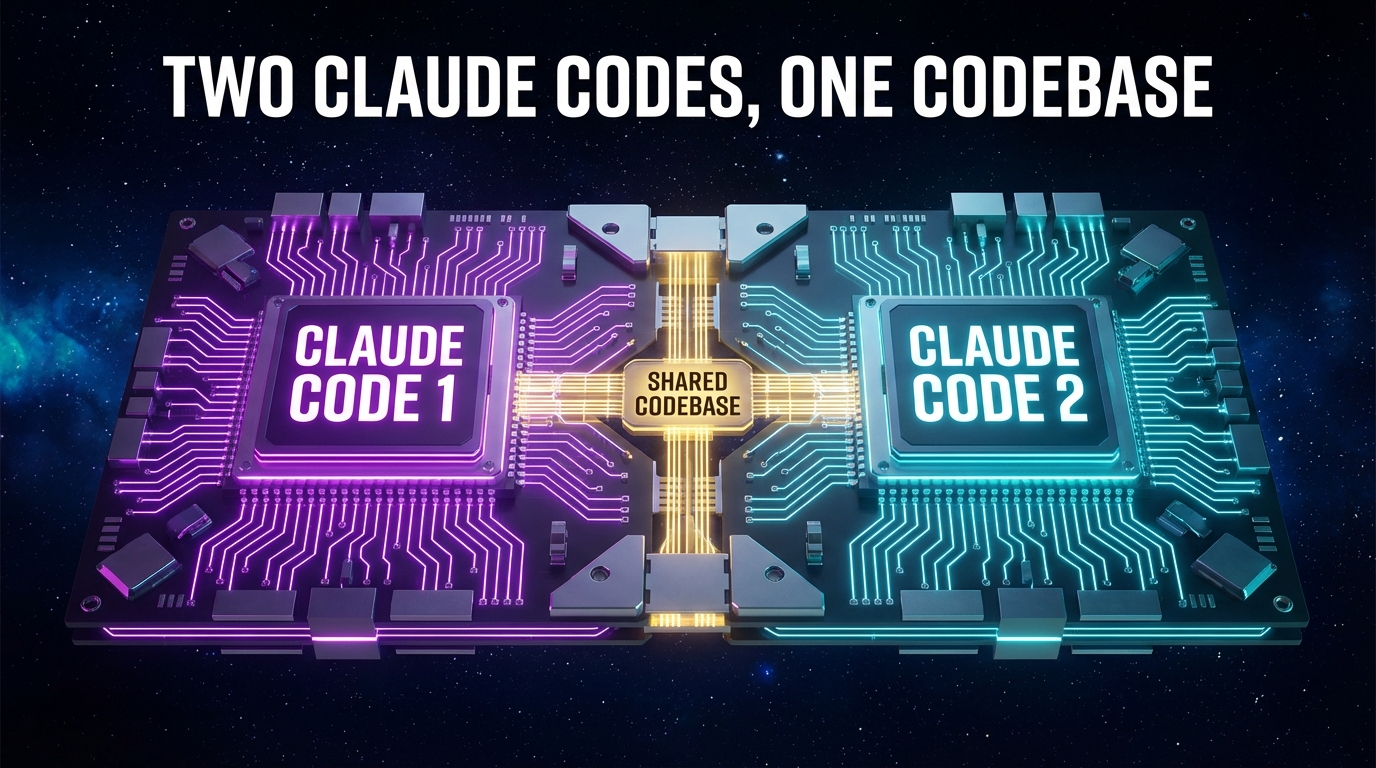
I use Claude Code in two modes: local CC via terminal on my Mac, and cloud CC via claude.ai on my phone. The convenience of mobile is real. When an idea hits — commuting, in bed, mid-conversation — I can just act on it.
But I kept running into the same friction: the two sessions didn't know about each other. After a cleanup session that took longer than if I'd just waited for my laptop, I sat down and mapped out why.
The Capability Gap
Before anything else, it helps to understand what each mode can actually do.
| Local CC (terminal) | Cloud CC (mobile) | |
|---|---|---|
| Run commands | ✅ npm, prisma, git | ❌ |
| Edit & push files | ✅ direct | ✅ via PR only |
| Dev server | ✅ | ❌ |
| Admin API / CMS | ✅ | ✅ (via browser) |
Read CLAUDE.md | ✅ | ✅ (if in repo) |
| Persistent memory | ✅ live auto-memory | ✅ repo snapshot only |
The problem wasn't that one was better than the other. The problem was I was using both as if they were the same thing.
How Sessions Drift Apart
Without coordination, two sessions against the same repo diverge fast.
Cloud CC would push a commit. I'd open local CC later and start from an outdated branch. Local CC would accumulate session memory — patterns learned, gotchas discovered — that cloud CC had zero access to.
The Connective Tissue
Three things act as shared memory between the two instances.
CLAUDE.md
project instructions
.claude/MEMORY.md
accumulated knowledge
main branch
single source of truth
1. CLAUDE.md in the repo
I had this file living in my home directory — outside the repo. Cloud CC couldn't see it. Moving it into the project root means both sessions read the same instructions, gotchas, and conventions.
2. .claude/MEMORY.md as a repo backup
Local CC maintains a live auto-memory file that grows across sessions. Cloud CC can't access that file directly, but it can read the repo. Committing a snapshot of that memory gives cloud CC a window into what local CC has learned. Not perfect — it's a point-in-time backup, not live — but far better than nothing.
3. git pull at every session start
The simplest one. Before touching anything locally, pull from origin/main. Cloud CC may have pushed commits you don't have yet. Skip this and you're building on stale ground.
Context Transfer: Cloud → Terminal
When you start something on mobile — sketching a plan, drafting content, working through a problem — you don't have to abandon that context when you get to your machine.
context
Hit "Open in CLI" in the claude.ai interface and that exact conversation continues in your terminal — with full access to your filesystem, dev server, and build tools. Cloud CC becomes the intake layer: think out loud on your phone, hand it off to local CC to execute.
Delegating Work: Terminal → Cloud (--remote)
The reverse direction works differently. --remote doesn't transfer your current terminal session — it spawns a new cloud session to handle a task asynchronously.
claude --remote "Refactor the logger to use structured output"
Think of it as delegating, not transferring. Good for:
- Kicking off a long task while you keep working locally
- Running two independent tasks in parallel
- Plan locally in quiet mode → hand execution to the cloud
The Right Mental Model
Cloud CC is the intake and review layer. Local CC is the execution layer. When I blurred that line — letting cloud CC make structural changes from my phone because it was right there — I was borrowing time from my future self.
The Honest Retrospective
The cleanup session that prompted all of this — moving CLAUDE.md into the repo, backing up memory, merging useful parts of a stale cloud branch, deleting dead branches — took more time than if I had just waited until I was at my desk.
The connective tissue doesn't eliminate the gap. But it shrinks it enough that working across both feels intentional rather than chaotic. And knowing when not to reach for the phone is half the lesson.